ICT Kill Zones: Best Times to Trade Forex, Indices and Crypto
ICT kill zones are the highest-probability trading windows of the day. Learn the London, New York and Asian kill zones and how to time institutional entries.
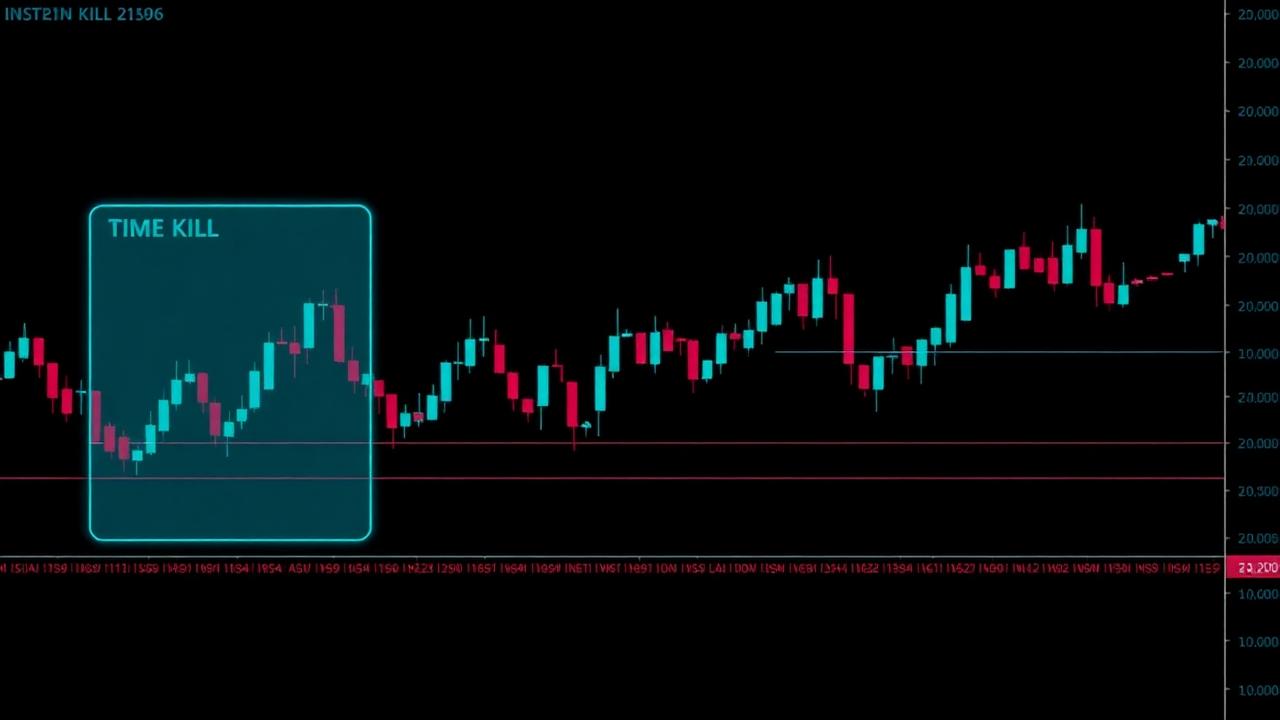
ICT kill zones are the specific time windows when institutional volume concentrates and price delivery becomes most predictable. Michael Huddleston identified three primary kill zones — Asian, London and New York — and understanding them is the difference between trading noise and trading intent.
What Are ICT Kill Zones?
A kill zone is a high-probability window within the trading day when algorithms, market makers and prop desks are most active. Outside these windows, price often chops and consolidates. Inside them, liquidity pools are engineered, sweeps are executed and the real directional move is delivered.
The Three Kill Zones Explained
- Asian Kill Zone (18:00–21:00 NY time) — typically a quiet accumulation range. Institutions build positions while retail is asleep. The Asian high and low become the liquidity boundaries the London open will sweep.
- London Kill Zone (02:00–05:00 NY time) — the highest-volume European window. This is where the manipulation leg of the Power of 3 often fires, sweeping Asian liquidity before reversing into the true daily direction.
- New York Kill Zone (07:00–10:00 NY time) — the distribution leg. If the London session engineered the liquidity sweep, New York often expands the institutional position into retail order flow. The overlap with London (07:00–09:00) is the most volatile hour of the day.
Why Timing Beats Direction
A perfect order block setup at 3:00 PM NY time has a fraction of the win rate of an average setup inside the London kill zone. The reason is simple: institutions aren't active, so price lacks the volume to follow through. Investopedia's forex definition covers the global session mechanics that make these windows predictable.
How to Trade Each Kill Zone Step by Step
- Mark the Asian range. Before London opens, box the Asian high and low. These are the liquidity targets.
- Set the daily bias. Use the framework from our Smart Money Concepts guide and higher-timeframe structure to decide long or short.
- Wait for the London sweep. Price typically runs against bias to grab Asian liquidity — this is the liquidity sweep you've been waiting for.
- Confirm with CHoCH. A lower-timeframe change of character after the sweep confirms the reversal.
- Enter on the retracement. Target a fresh order block or fair value gap inside the kill zone.
- Manage through New York. Trail stops or take profit as the distribution leg expands.
Kill Zone Traps to Avoid
- Trading outside the kill zone. Midday NY and late London are consolidation territory. Entries there have lower follow-through.
- Ignoring high-impact news. NFP, CPI and FOMC releases inside the kill zone can invalidate structure. Check the Forex Factory economic calendar before committing size.
- Forcing a setup. If the Asian range is too wide or the sweep isn't clean, stand aside. Not every day offers a valid kill-zone entry.
Building a Kill Zone Blueprint
The traders who compound an edge are the ones who mechanize timing. Define your kill-zone conditions — which session, what Asian range width, what qualifies as a sweep — and lock that logic into a versioned blueprint inside AlphaFlow. From there, every trade is journaled against the same rules and your win rate becomes data, not opinion.
Master the kill zones and you'll stop trading the dead hours. Trade only the windows where institutions are actively engineering price — and let the rest of the day pass by.
Build the blueprint, not just the idea
AlphaFlow turns concepts like the ones in this article into versioned, testable execution blueprints — so every entry has a logged reason.
Launch the terminal